How to Prepare a Mac for Secure Recycling: A Business Guide
It was true in 1984 and it still holds true now: Macs are built different.
If you've only retired Windows computers in the past, you might assume preparing a Mac for recycling is basically the same process.
In reality, modern Macs have unique requirements for responsible recycling.
Internal design decisions make Macs incredibly capable computers, but they also mean preparing them for retirement requires a slightly different approach.
Storage is often integrated directly into the logic board.
Security features like Activation Lock are tied to an Apple ID.
Whether you're retiring a MacBook, MacBook Pro, MacBook Air, iMac, Mac Studio, Mac mini, or another Apple computer, many components are permanently bonded together rather than designed for easy replacement.
One of the questions we hear most often is:
"What do I need to do before bringing my Mac to TechBack?"
The good news is that the answer is usually much simpler than people expect.
Step 1: Confirm Back Up on Anything You Want to Keep

Before retiring any computer, make sure you've copied anything you still need.
Photos.
Documents.
Desktop files.
Downloads.
Email archives.
Specialized software data.
If your organization already uses cloud storage like Microsoft 365, OneDrive, Google Workspace, Dropbox, or another managed platform, much of this may already be synchronized, but it's still worth confirming before the computer changes hands.
If it's a personal Mac, take a moment to verify that your most recent Time Machine backup completed successfully. Backup processes occasionally fail in the background, and it's surprisingly easy to miss the notification. Spending thirty seconds confirming your latest backup now can save a lot of heartache later.
Step 2: Remove Your Apple ID

This is the single most important step.
Modern Macs are designed to protect their owners through features like Activation Lock and Find My Mac.
That's great while you're using the computer.
But if the Mac is still linked to your Apple ID after you've decided to retire it, nobody else, not even a professional recycler and specialized tech, can fully process the device.
Sometimes we receive perfectly good Macs that cannot begin their next chapter simply because an Apple ID was never removed.
Fortunately, Apple has excellent step-by-step instructions for removing your Apple ID and disabling Activation Lock before recycling your Mac.
You can follow Apple's official guide here: Activation Lock for Mac (Apple Support)
Already recycled your Mac and just realized you forgot? Don't panic.
If the Mac is still associated with your Apple Account, Apple allows you to remove Activation Lock remotely using iCloud, even if the computer is no longer in front of you. Their official instructions walk you through the process step by step.
You can also remove a device remotely here: Remove a device from Find My (Apple Support)
And that’s it, you’re done!
Your apple device is now ready for Responsible Recycling.
Why Is Removing an Apple ID So Important if I’m Recycling it with Secure Data Destruction Anyways?
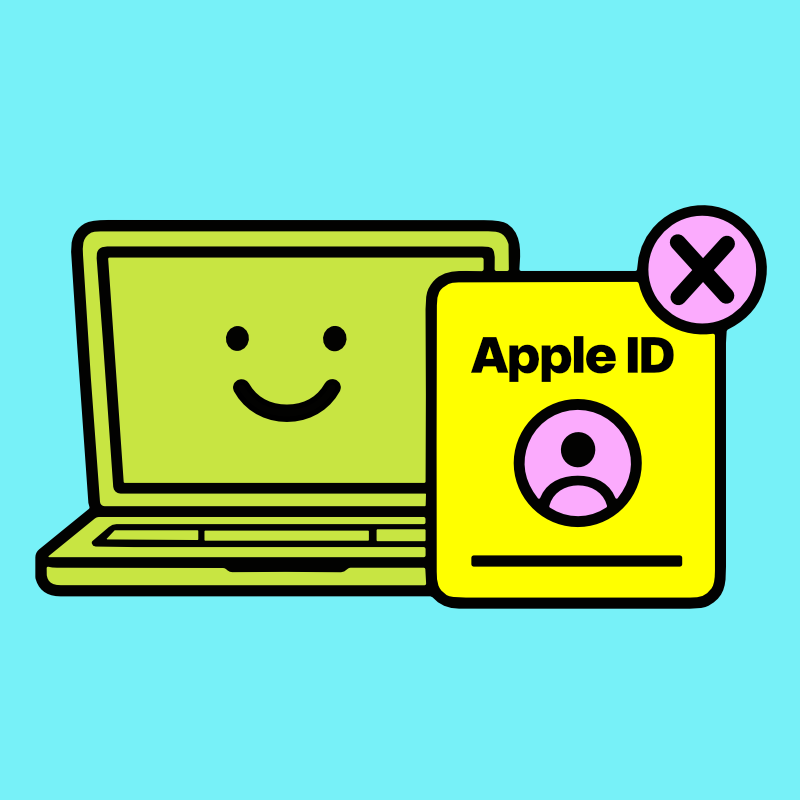
One thing that surprises many people is that removing your Apple ID isn't just about making the computer usable again.
It's also one of the most environmentally important things you can do outside of finding a secure, zero-landfill ITAD partner like TechBack.
Unlike many older computers, modern Macs aren't designed for storage devices to be easily removed.
The SSD is often integrated directly into the logic board alongside other critical components.
If a Mac remains permanently locked to an Apple ID, there are situations where otherwise reusable components can no longer continue serving a purpose and the entire system must be shredded.
A simple step before recycling can help preserve the opportunity for responsible refurbishment or component recovery while still ensuring your personal information remains protected.
That's exactly what recycling that Raises Standards is all about, finding the most secure and environmentally responsible outcome for every device.
Please don't Take an Apple Device Apart

We occasionally hear from customers wondering whether they should remove the hard drive before bringing in a Mac.
Please don't.
Modern Apple computers are fundamentally different from older desktop PCs.
Storage is often soldered directly to the logic board.
Batteries are carefully integrated into the enclosure.
Displays, keyboards, speakers, and other components are engineered as complete systems.
And Apple factories loooove their glue.
Attempting to disassemble a modern Mac without the proper tools and experience can permanently damage components that might otherwise have remained useful, not to mention harm yourself in the process.
The best thing you can do is leave the computer intact and let trained technicians evaluate it as a complete device.
What If my Mac Doesn't Turn On?

No problem!
Even if a Mac no longer powers on, there are often responsible ways to process it.
And internal components can still contribute to responsible recovery efforts.
The important thing is that a computer doesn't need to be working to be worth bringing in.
And you can easily remove the Apple ID remotely using this handy guide:
Remove a device from Find My (Apple Support)
Even if the mac doesn’t power on it is still worth it to remove Apple ID as some internal components may still have life left to give.
Do I Need to Erase the Apple Device Myself?

Technically, no. But we strongly recommend removing your Apple ID and disabling Find My before bringing your Mac in for recycling. Those two steps allow the device to continue through the most environmentally responsible path possible and help prevent unnecessary delays during processing.
What you don't need to worry about is performing professional data destruction yourself.
Every Mac that enters our secure ITAD facility follows a documented intake and evaluation process. Once the device has been assessed and any activation or account requirements have been resolved, it undergoes secure data sanitization before moving to its next stage. Depending on the condition of the device and your organization's requirements, that process may include industry-standard sanitization procedures, verification, or physical destruction when appropriate.
Our goal is simple: to ensure no data leaves your Mac while preserving every appropriate opportunity for the devices components to continue creating value.
That's why organizations throughout Central New York trust TechBack's Secure Data Destruction process. We handle the technical side so you don't have to.
What Happens After I Bring My Mac to TechBack?
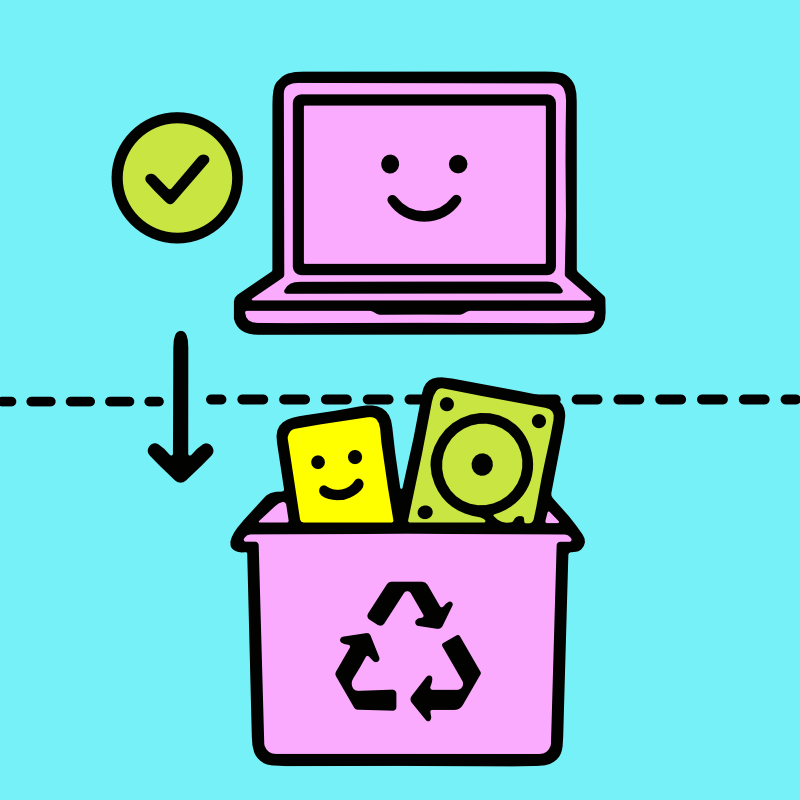
Every Mac follows a documented evaluation process:
Its condition is assessed, security requirements are reviewed and data-bearing components are handled appropriately.
If continued use is appropriate, the device (or more often, its components) may continue serving a useful purpose.
If not, materials enter our Zero-Landfill Recycling process, ensuring valuable resources continue through responsible downstream recycling instead of becoming unnecessary waste.
No matter which path a device follows, protecting your information always comes first.
Why This All Matters

One of the things we love most about Apple products is how long they can remain useful.
Many continue serving people well for years. Many others contribute valuable components that help extend the life of additional devices.
Either outcome is far more environmentally beneficial than prematurely destroying technology that still has something to give.
That's why we encourage customers to spend just a few minutes removing their Apple ID before recycling.
It's a small step that can make an enormous difference.
If you'd like to learn more about why extending the life of technology matters, visit our Why Recycle? page. You can also see the impact responsible electronics recycling has through TechBack GiveBack, where qualifying projects receive an environmental impact report showing how many trees their retired technology helped plant.
A Better Way to Retire Your MacBooks and Apple Devices
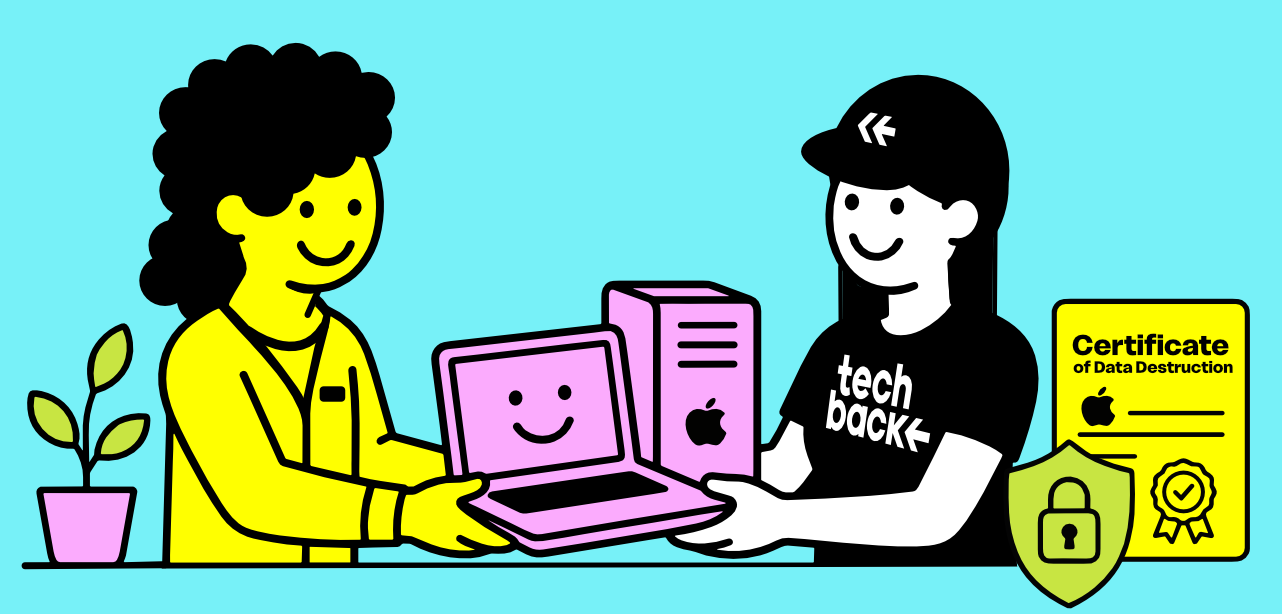
Whether you're retiring one MacBook or managing hundreds of Apple devices across your organization, the goal is always be the same:
Protect the Data & Protect the Environment.
At TechBack, that's the idea behind our Raising Standards philosophy. Through FREE Hassle-Free Pickups that include free, NIST SP 800-88 Secure Data Destruction, our Zero-Landfill Recycling commitment, and environmental reporting through TechBack GiveBack, we help businesses throughout Syracuse, Onondaga County, Central New York, the Finger Lakes Region, and across New York State retire Apple technology with confidence.
Because responsible Mac recycling isn't simply about getting rid of old technology. It's about protecting sensitive information, recovering valuable materials, and reducing the need to manufacture new ones with newly mined materials whenever possible.