When Should Businesses Replace Their Computers: Building a Healthy Technology Lifecycle

Every business eventually asks the same question.
"Is it finally time to replace these computers?"
Sometimes the answer is obvious. But more often, the decision isn't nearly as clear.
A laptop won't turn on. A desktop is painfully slow. Software no longer runs properly. Or the computers all still work... They're just getting older.
So how do you know when it's actually time to replace business computers?
The answer isn't a specific number of years (we often see 3-5 thrown around a lot).
It's understanding the role technology plays in your organization's productivity, security, budget, and long-term planning.
There is no universal replacement age for a business computer. While many businesses plan around multi-year replacement cycles, business computers should be replaced when declining performance, security support, software compatibility, reliability, repair costs, or changing employee needs begin affecting the organization.
Here's how we recommend businesses throughout Syracuse, Onondaga County, Central New York, the Finger Lakes Region, and across New York State think about the decision.
How Long Should a Business Computer Last? Start With Your Business, Not the Calendar

One of the biggest misconceptions is that every business should replace computers on exactly the same schedule.
In reality, replacement cycles vary widely. The useful lifespan of a business laptop or desktop depends just as much on how it's being used as how long it's been in service:
An accounting firm processing large financial files has different needs than a nonprofit primarily using email.
An architectural firm running CAD software has different hardware requirements than a small law office.
A manufacturing company managing production equipment has different priorities than a medical practice.
At the end of the day technology should support your employees, not slow them down.
The better question isn't How old is this computer?
It's Is this computer still helping our business operate efficiently and securely?
Performance Matters More Than Most Businesses Realize

Technology rarely fails all at once. Instead, it slowly morphs without users noticing.
It starts a little slower. A little louder.
Soon it’s a little less reliable.
Applications take longer to open. Large spreadsheets struggle. Video meetings stutter.
Employees wait...and wait...and wait. Then slowly start to adapt how they problem solve or avoid completing certain critical tasks.
Individually, those delays seem insignificant in the day-to-day crunch. Across an entire organization, they quietly add up to hundreds of lost hours every year.
Sometimes replacing a computer isn't about fixing something that's broken.
It's about removing daily friction your employees have simply learned to tolerate.
Security Should Be Part of Every Replacement Decision

Performance isn't the only reason businesses retire computers. Security matters too.
As operating systems reach end-of-support and hardware ages, maintaining a secure computing environment becomes more challenging.
Windows 10's retirement is a perfect example.
Many organizations are discovering that older business computers simply don't meet the hardware requirements for Windows 11, making an operating system transition a natural time to evaluate whether those computers should be upgraded or replaced.
If you're planning for Microsoft's transition, our guide to Windows 10 End of Support explores practical strategies for evaluating existing hardware, budgeting upgrades, and planning replacements over time.
And whenever equipment is retired, it should always be paired with professional Secure Data Destruction to ensure sensitive information is protected before devices leave your organization.
Don't Wait Until Everything Fails at Once
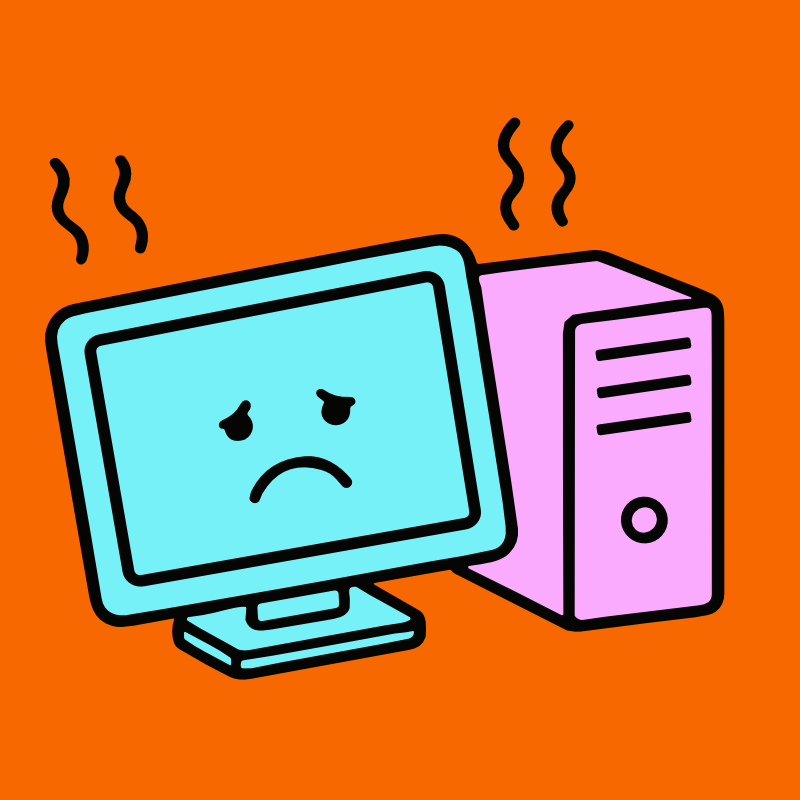
One of the healthiest habits a business can develop is replacing technology intentionally rather than reactively.
Emergency replacements are almost always more disruptive, expensive and far more stressful.
Instead, many organizations establish a rolling business computer replacement cycle, evaluating and replacing a portion of their technology each year rather than waiting for everything to reach the end of its useful life at once.
That way, some computers continue serving employees for several more years while others are retired before reliability becomes a business problem.
The result is a smoother budget, fewer surprises, and a healthier technology lifecycle.
Replacement Is Also a Great Time to Clean House

One thing we've noticed after working with organizations throughout Central New York...
Replacing computers almost always uncovers a lot more computers. Like, a lot.
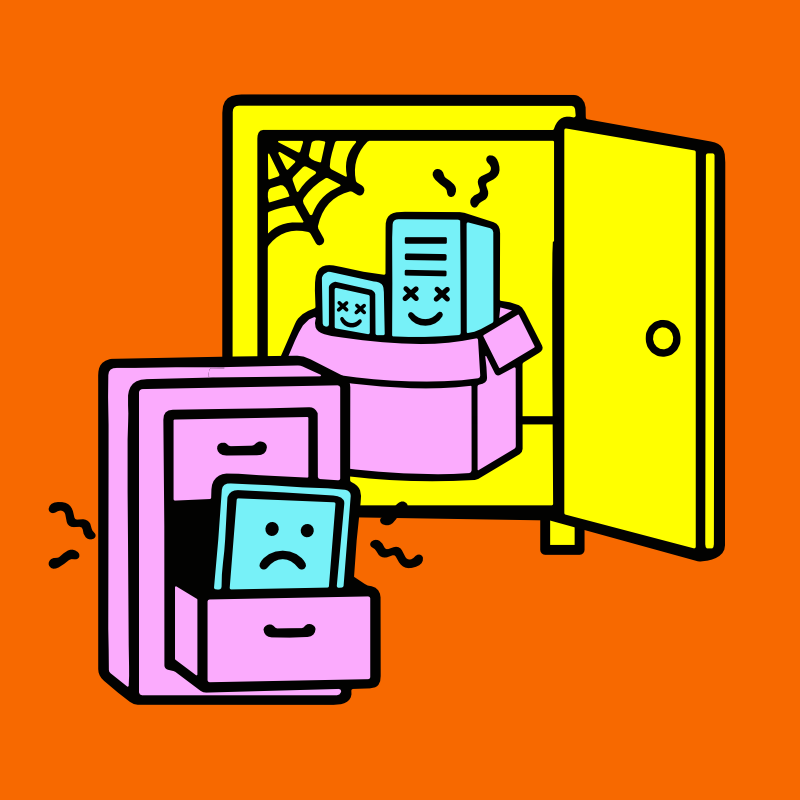
Old laptops tucked into cabinets. Desktop towers sitting under shelves. Monitors nobody remembers. Boxes of retired hard drives.
Technology has a funny way of accumulating.
A planned refresh is the perfect opportunity to inventory everything your organization owns, not just the computers currently in use.
Many of the organizations featured in our Client Stories page discovered years of forgotten technology while preparing for an upgrade, relocation, or office reorganization.
Think Beyond the Purchase Price

Businesses often compare the cost of buying new computers.
Fewer consider the cost of keeping old ones.
Slower performance, unexpected repairs, employee frustration leaving everyone a bit grumpy.
Then there are the bigger issues like compatibility, and increasing security concerns.
Not to mention valuable storage space filled with retired equipment.
Sometimes the most expensive computer in the office isn't the newest one.
It's the one that's quietly costing your organization time every single day.
When deciding whether to repair, upgrade, or replace an older business computer, look beyond its age and consider what its performance, reliability, compatibility, and security are actually costing your organization.
The Greenest Computer Is the One With the Right Next Chapter

Replacing computers doesn't automatically mean throwing them away. In fact, it’a quite the opposite.
Returning those machines to a responsible recycler allows their raw materials to return to future manufacturing and can be one of the most proactive form of recycling there is.
Professional, Accessible Electronics Recycling is about evaluating each computer individually and choosing the most responsible path forward.
Whenever possible, extending the useful life of technology remains one of the most effective forms of sustainability.
When that isn't appropriate, TechBack’s Zero-Landfill Recycling commitment ensures valuable materials continue creating value instead of becoming unnecessary waste.
You can learn more about why that matters on our Why Recycle? page.
Don't Let Yesterday's Computers Become Tomorrow's Storage Problem
One of the biggest mistakes organizations make isn't replacing computers.
It's never deciding what to do with the old ones.
Every year we meet businesses with closets, conference rooms, and storage shelves quietly filling with retired technology because everyone has been too busy to deal with it.
Eventually, those forgotten computers become inventory challenges, data security concerns, and lost office space.
That's why we designed our FREE Hassle-Free Pickup process to make technology retirement as simple as possible, allowing businesses to focus on running their organization instead of figuring out what to do with aging equipment.
Every Replacement Is an Opportunity

Replacing a computer isn't just the end of one device. It's the beginning of a healthier technology strategy.
A chance to improve security.
Strengthen inventory management.
Increase employee productivity.
Reduce clutter.
Support your sustainability goals.
And build a predictable technology lifecycle instead of reacting to emergencies.
At TechBack, our Raising Standards philosophy is built around helping organizations retire technology thoughtfully. Through Accessible Electronics Recycling, starting with full chain-of-custody FREE Hassle-Free Pickups that include free, NIST SP 800-88 Secure Data Destruction, our Zero-Landfill Recycling commitment, and environmental reporting through TechBack GiveBack, we help businesses throughout Syracuse, Onondaga County, Central New York, the Finger Lakes Region, and across New York State confidently move from old technology to new.
And if you're looking for more practical guidance on planning technology upgrades, secure data destruction, or responsible electronics recycling, our growing Knowledge Center is built to