What Is NIST SP 800-88 Rev 2? A Practical Guide for Businesses
When it's time to retire old computers, servers, or hard drives, one question matters more than any other: How do you know the data is actually gone?
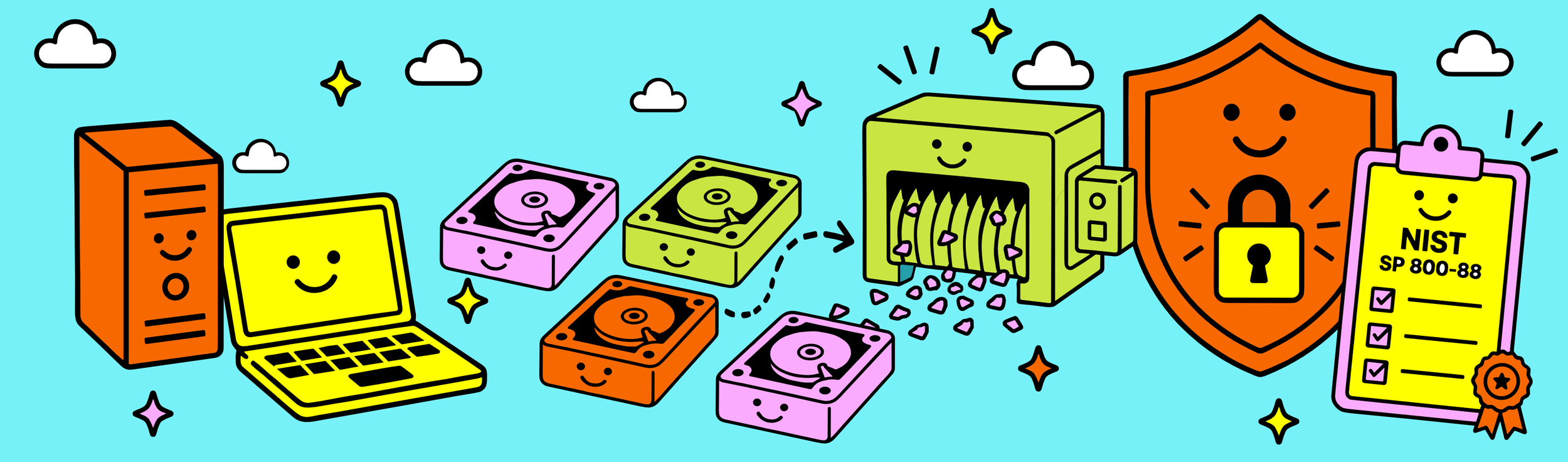
That's exactly the problem NIST SP 800-88 was created to solve. Developed by the National Institute of Standards and Technology (NIST), NIST SP 800-88 is the federal guidance for media sanitization: making data on computers, hard drives, SSDs, servers and other storage media inaccessible when those assets are reused, recycled or retired.
The current version, NIST SP 800-88 Rev. 2, was published in 2025 and replaces the earlier Rev. 1 guidance from 2014. “SP” simply means Special Publication, while 800-88 is the publication number for NIST's Guidelines for Media Sanitization.
Rather than prescribing one universal method, NIST SP 800-88 provides a framework for choosing an appropriate sanitization method based on the type of storage media, the sensitivity of the information, how the equipment will be handled afterward, and your organization's security requirements.
In plain English? Secure data destruction isn't automatically synonymous with shredding a hard drive. Depending on the device and what happens next, the appropriate solution may involve securely sanitizing the media for reuse or physically destroying it when reuse isn't appropriate.
For businesses, that means there isn't one “correct” way to handle every device. There is a right method for the device, the data and what you're doing with it next.
What does "media sanitization" actually mean?

Media sanitization is the process of making data stored on a device inaccessible for a given level of effort. In practical terms, it's what separates simply deleting information from actually protecting it.
That distinction matters because deleting a file, emptying the recycle bin or performing a basic format doesn't necessarily mean the underlying data has been securely removed. NIST SP 800-88 focuses on using an appropriate sanitization process and verifying that the process was successfully completed.
And “media” means more than old hard drives. Business data can live on HDDs, SSDs, laptops, desktops, servers and other storage devices, which is why the appropriate sanitization method depends partly on the technology you're retiring.
Why does NIST SP 800-88 Rev 2 matter?
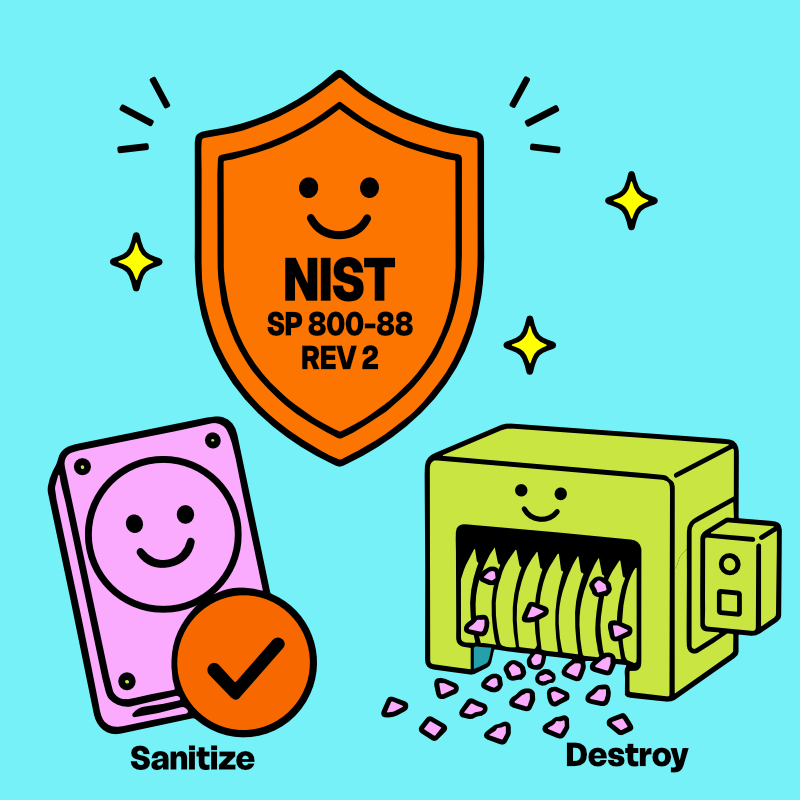
Sometimes a drive can be securely sanitized and safely reused. Other times, physical destruction is the appropriate choice. If you're wondering how those decisions are made, read our guide on Hard Drive Wiping vs Physical Destruction. The goal is always the same: making sensitive information permanently unrecoverable. Every retired computer, server, hard drive, or solid-state drive can contain years of sensitive information, including:
Customer records
Employee information
Financial documents
Emails
Saved passwords
Healthcare or legal records
Proprietary business data
And sometimes you might not even know it's there. Simply deleting files, emptying the recycle bin or formatting a drive is not the same thing as securely sanitizing it. Depending on the device and method used, recoverable information can remain behind.
That's why a proper data sanitization and destruction process doesn't stop at “we deleted everything.” It uses an appropriate method for the storage media, verifies that the process was successfully completed, and documents what happened before that equipment moves on to recycling or reuse.
What changed with NIST SP 800-88 Rev. 2?
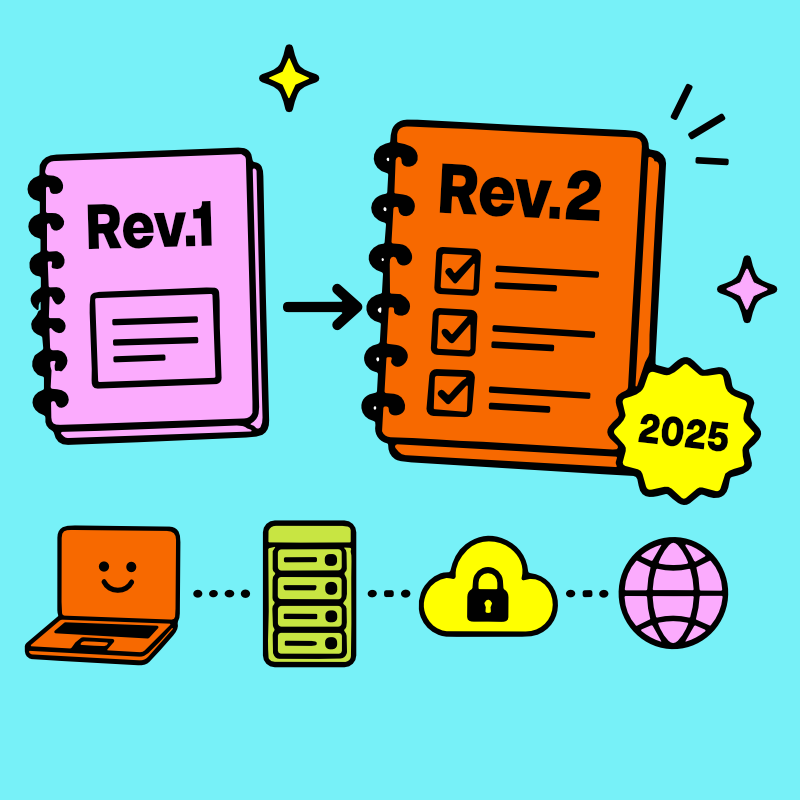
NIST SP 800-88 Rev. 2 is the current version of the guidance, replacing Rev. 1 in 2025. While the fundamental goal remains the same, protecting information when storage media is reused or retired, Rev. 2 updates the guidance for today's much broader technology landscape and places greater emphasis on building a complete media sanitization program rather than treating data destruction as a one-time technical task.
For most businesses, the takeaway isn't that you suddenly need to become a NIST expert. It's that your data destruction process should account for what the device is, what information it contained, how it will be sanitized, how successful sanitization is verified, and what documentation you retain afterward.
How TechBack applies NIST SP 800-88

At TechBack, NIST SP 800-88 isn't just a buzzword we throw around to sound legit, it's the foundation of how we handle every data-bearing device that enters our Syracuse, NY facility.
Your assets are immediately secured inside our enclosed ITAD processing space and remain under documented chain of custody throughout the process. Depending on the storage media, its condition and your organization's requirements, data-bearing devices are either securely sanitized using NIST-aligned methods or physically destroyed in our industrial dual-chamber hard drive shredder. Sanitization is verified before a device can move forward for reuse, and media requiring physical destruction never leaves our monitored facility intact.
We always say: Once your data enters, it never leaves again.
Every business client receives documentation confirming how their equipment was processed, including a Certificate of Data Destruction and Certificate of Recycling, with additional serialized reporting available for organizations with more advanced audit or compliance requirements.
Wondering what all that paperwork actually proves? Read our guide to Certificates of Data Destruction., or learn why maintaining a documented chain of custody for retired IT assets matters long before a hard drive reaches the final sanitization step.
Every client receives documentation confirming how their equipment was processed, and additional audit-grade reporting is available for organizations with more advanced compliance needs. Wondering what that documentation actually includes?
What should businesses look for in a data destruction process?

You don't need to memorize a federal publication before retiring a laptop. But you should be able to answer a few basic questions about what happens after your equipment leaves your hands:
Who maintains custody of the equipment?
How is data-bearing media identified and secured?
What sanitization or destruction method is used?
How is successful sanitization verified?
What happens when a drive can't be securely sanitized?
What documentation will you receive afterward?
If your IT asset disposition provider can't clearly answer those questions, that's a much bigger problem than not knowing what “SP” stands for.
Security doesn't have to be complicated.
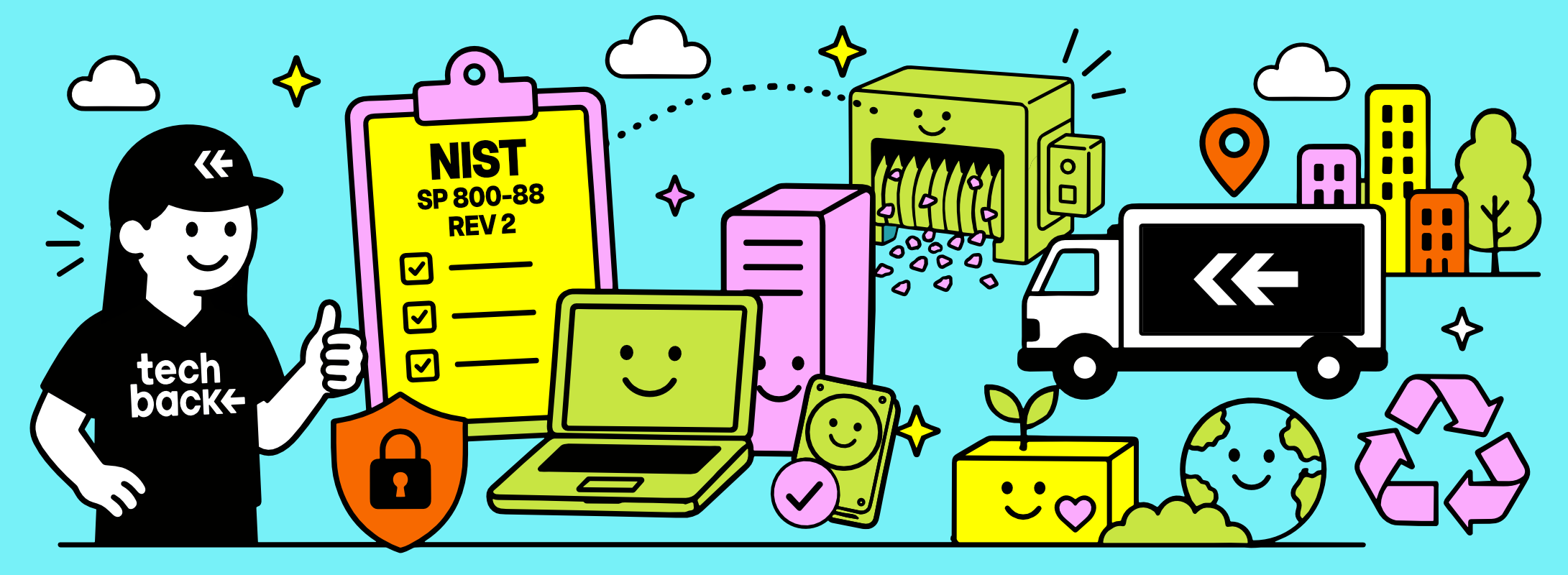
Most businesses don't need to become experts in government standards, that's our job. They just need to know their information is protected. For businesses throughout Syracuse and Central New York, the process begins with our free, Hassle-Free Business Pickup service and documented chain of custody.
Whether you're retiring a handful of laptops or an entire office of equipment, TechBack provides secure data destruction and business electronics recycling throughout Syracuse, Onondaga County, Central New York and the Finger Lakes Region, making the process straightforward, transparent, and accessible while ensuring every device is responsibly recycled through our Zero Landfill Promise.