Business Hard Drive Disposal Guide: How to Dispose of Old Hard Drives Securely
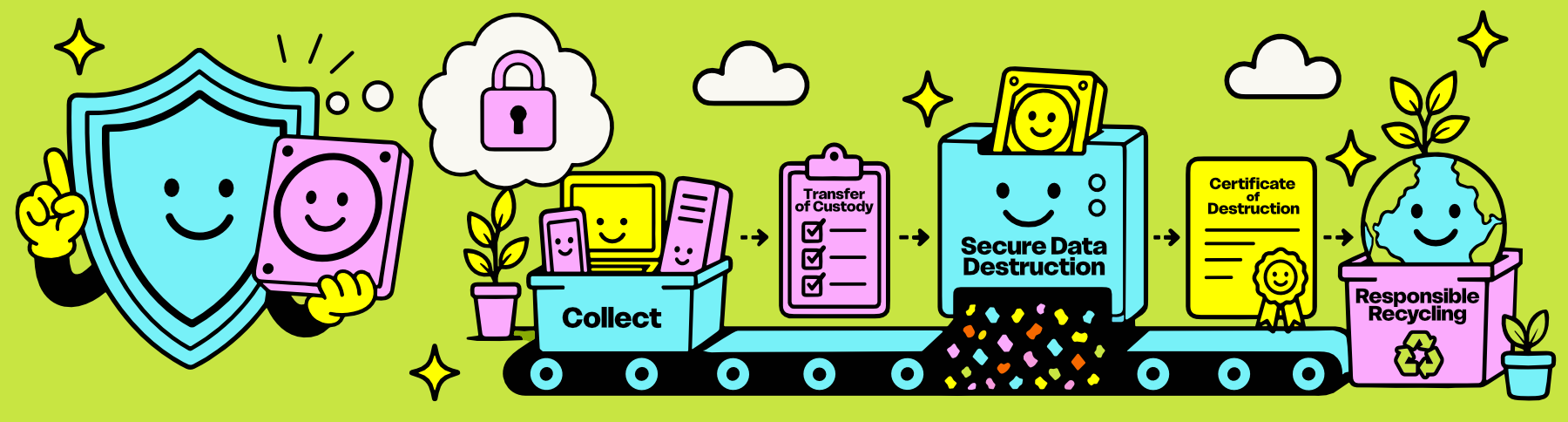
Hard drives are small. The information they contain isn't.
That's why disposing of old hard drives isn't really about getting rid of hardware.
It's about retiring information responsibly.
Whether they're sitting inside a desktop computer, tucked away in an old laptop, mounted inside a server, or piled into a box after an office cleanout, hard drives often contain years of customer records, financial information, employee files, emails, passwords, and proprietary business data.
Here's what businesses throughout Syracuse, Onondaga County, Central New York, and the Finger Lakes Region should know before disposing of old hard drives.
Not All Hard Drives Are the Same

One of the biggest misconceptions we encounter is treating every storage device the same.
In reality, there are several different types of media businesses retire every day:
Traditional Hard Disk Drives (HDDs)
Solid-State Drives (SSDs)
NVMe drives
M.2 storage
2.5" laptop drives
3.5" desktop drives
Enterprise server drives
External hard drives
Each stores information differently and each may require a different approach. And from there even more nuances emerge, with drive health, brand, size, and functionality playing a role.
That's why professional IT Asset Disposition (ITAD) evaluates every storage device individually rather than applying the same solution across an entire project.
If you'd like to learn more, our guide to SSD vs. HDD Data Destruction explains why different storage technologies require different strategies.
Before You Dispose of a Hard Drive, Ask One Question

It’s Not: "Does this still work?" It’s: "Does this still contain information my organization is responsible for protecting?"
A hard drive that hasn't been able to power on in years may still contain:
Customer information & Employee records.
Accounting files.
Contracts.
Emails.
Medical and legal information.
Source code.
Passwords.
Backups.
The age of a hard drive has very little to do with the sensitivity of the information stored on it.The health of a hard drive has nothing to do with the sensitivity of the information stored on it.
Just because a computer can’t turn on doesn’t mean the information inside of it is safe.
Can You Throw Away Old Hard Drives?
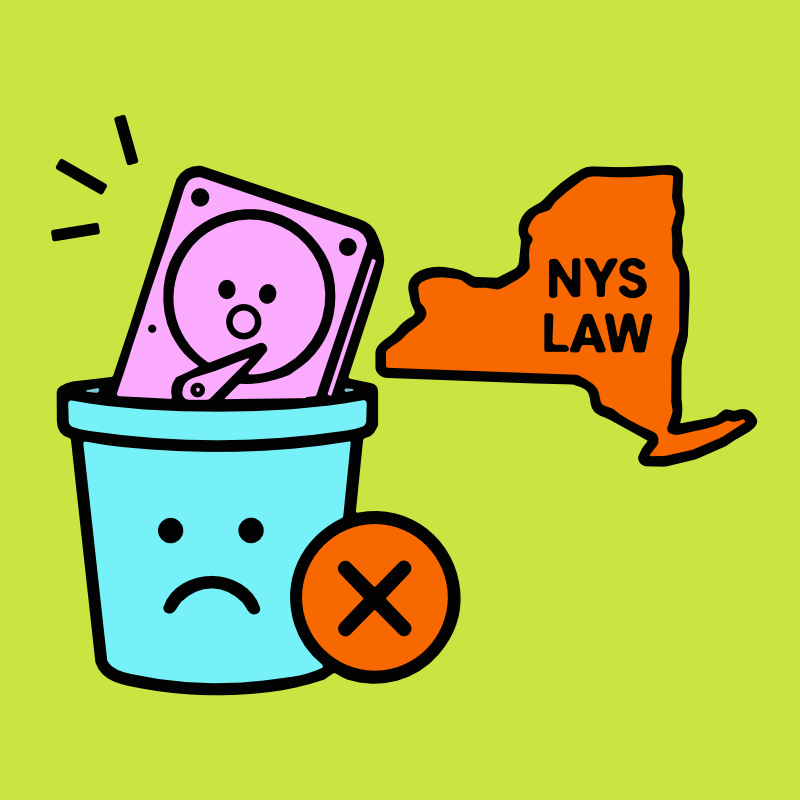
No! In New York State, electronics are prohibited from being thrown in the trash, and an old hard drive may still contain recoverable information even when it no longer works.
That means responsible hard drive disposal has two jobs: protecting the data stored inside and making sure the hardware itself reaches an appropriate electronics recycling process instead of the waste stream.
As aNYS DEC-registered electronics recycler, TechBack handles both sides of that process, securely addressing the information first and responsibly recycling the hardware that remains to our higher standards.
Before an old hard drive is recycled, its data should be securely sanitized or physically destroyed using a method appropriate for the drive and your organization's requirements.
Hard Drive Disposal Starts With Data, Not Metal
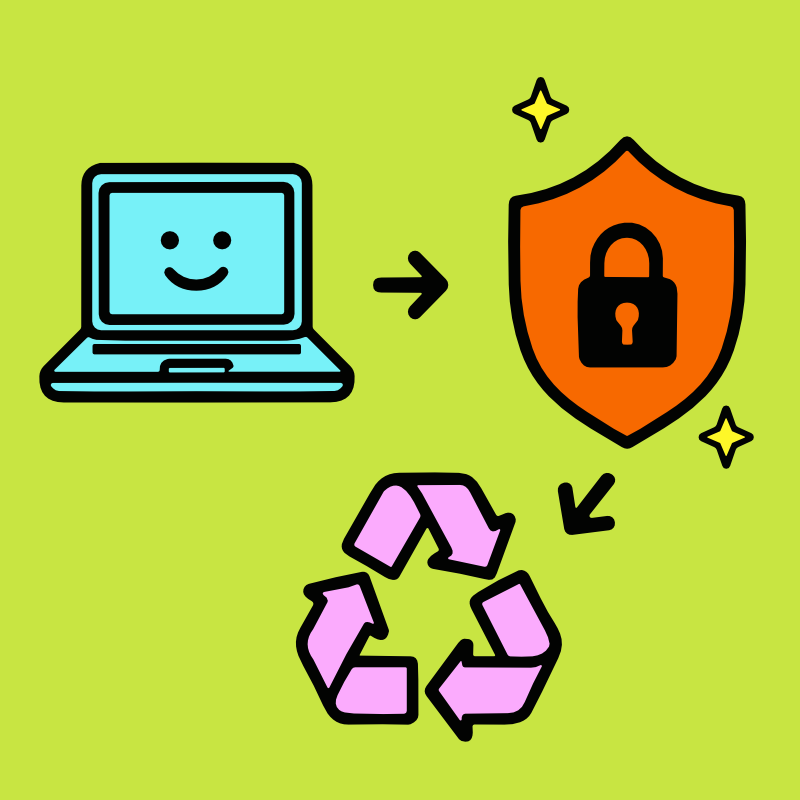
Many people think hard drive disposal jumps straight into metal recycling. It doesn't.
It begins with understanding what information is on the drive and determining the appropriate way to retire it.
That's why every qualifying TechBack business project includes FREE Secure Data Destruction before materials move into the next stage of the process.
Protecting your information always comes first.
Everything else, including Zero Landfill recycling, follows.
Should You Remove the Hard Drive Yourself?
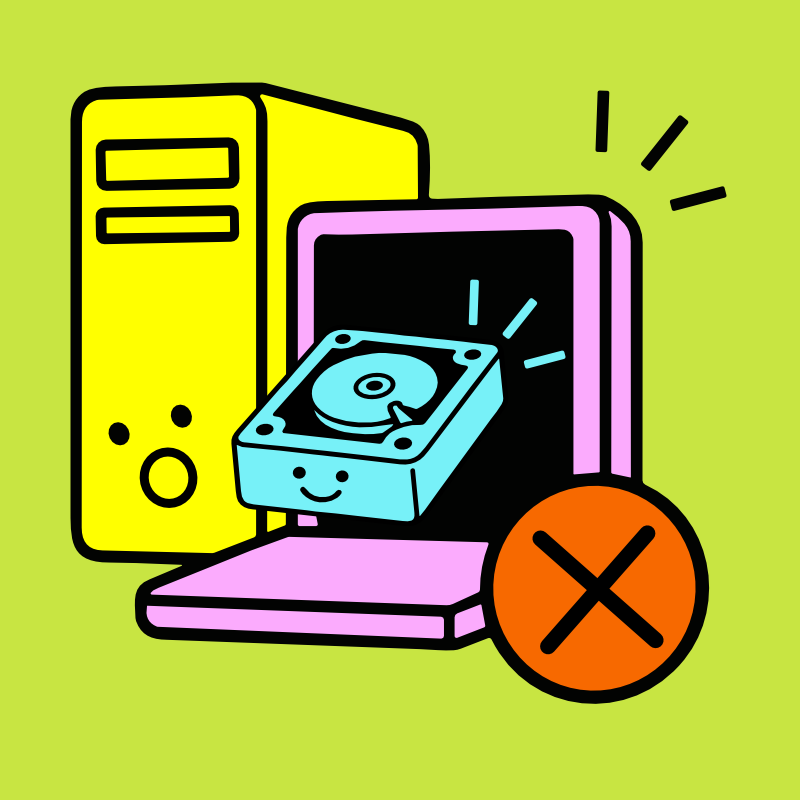
For some organizations, removing storage devices internally is part of their normal IT workflow.
For many others, it simply creates more opportunities for devices to become separated from their documentation or misplaced during handling.
That's why many businesses choose to keep computers, laptops, and servers intact until they're received through a documented Chain of Custody process.
Keeping equipment together often simplifies inventory, protects documentation, and reduces unnecessary handling before professional evaluation begins.
One question we're often asked is whether businesses should remove hard drives from computers before scheduling a pickup. In most cases, no. Hard drives that are still installed in desktops, laptops, servers, and other qualifying equipment are processed as part of our standard FREE Business Pick-Up and FREE Secure Data Destruction service.
Removing them ahead of time usually creates more work and more opportunities for inventory or documentation to become separated.
If you've already removed your hard drives, that's okay too. Many businesses accumulate boxes of loose drives over the years. We securely process those as well, although standalone hard drives are handled as a separate service from complete computer and server pickups. If you're unsure which situation applies to your project, we're always happy to help.
Secure Disposal Doesn't Always Mean Physical Destruction
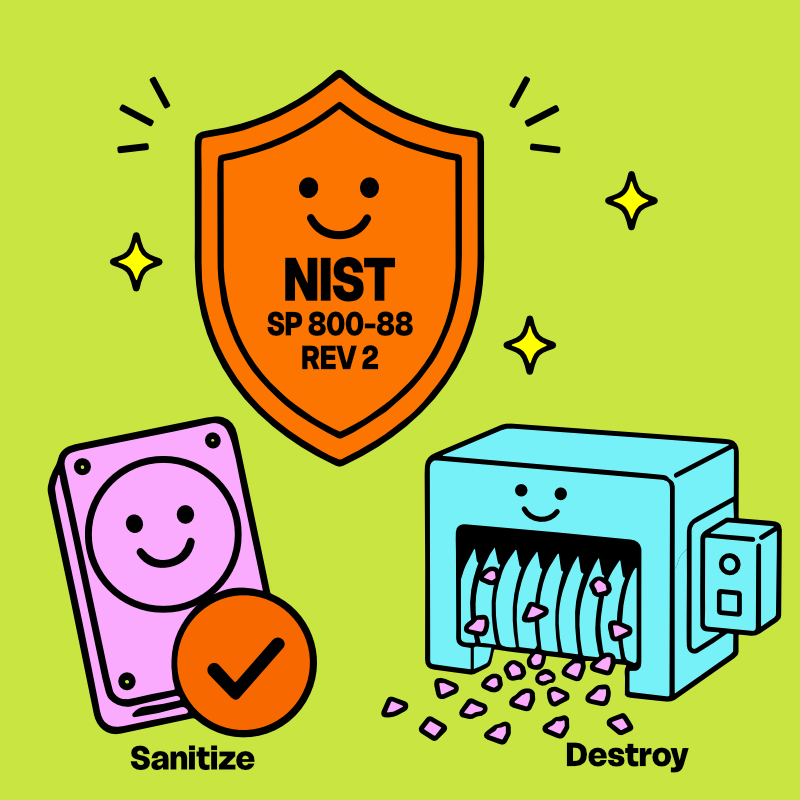
One of the biggest myths surrounding hard drive disposal is that every hard drive should immediately be shredded. Sometimes that's absolutely the right decision. Sometimes it isn't.
The opposite misconception can be just as risky: assuming that drilling a hole, scratching a platter, soaking a drive in water, or otherwise damaging it at home automatically makes the information unrecoverable. Physical damage and verified data destruction aren't necessarily the same thing.
Professional hard drive destruction, including hard drive shredding when appropriate, isn't about choosing one method for every device. IT Asset Disposition is about determining the most appropriate method for each storage device based on:
Drive technology
Physical condition
Verification results
Organizational policies
Regulatory requirements
Future use of the equipment
That's one reason industry guidance such as NIST SP 800-88 focuses on achieving effective media sanitization rather than prescribing a single method for every situation.
If you're curious how that decision is made, our guides to Hard Drive Wiping vs. Physical Destruction and DoD 5220.22-M vs. NIST SP 800-88 explore the topic in much greater detail.
What Should You Do With Old or Loose Hard Drives?
Not every hard drive arrives inside a computer.
Many organizations have drawers filled with loose desktop drives. Boxes of retired laptop drives. Shelves of server drives from previous upgrades. Backup drives that nobody remembers creating.
Loose drives are particularly easy to misplace, mix up or lose track of. And even when they're no longer in use, the information stored inside still needs to be protected.
We recommend designating a secure location for retired drives, such as a locked file cabinet, where they can be collected and kept separate from general electronics until they're ready for secure data destruction.
For business pickups, TechBack brings a dedicated lock box specifically for loose hard drives and other data-bearing media. Drives are secured at the time of pickup and remain protected through chain-of-custody transport back to our Syracuse, New York headquarters for processing.
Whether they're attached to a computer or sitting loose on a shelf, the responsibility to protect the information inside remains exactly the same.
Hard Drives Are More Complex Than Most People Realize

A hard drive may look like a small piece of hardware, but inside are carefully manufactured materials that required significant energy and natural resources to produce.
Whenever appropriate, extending the useful life of technology remains one of the most environmentally responsible outcomes available.
When reuse isn't appropriate, responsibly recovering those materials through our Zero Landfill Promise helps return valuable resources to the manufacturing stream instead of sending them to landfill. That’s a big part of how TechBack is raising Recycling Standards for Central New York.
You can learn more about why that matters on our Why Recycling Matters page.
Retire Hard Drives With Confidence
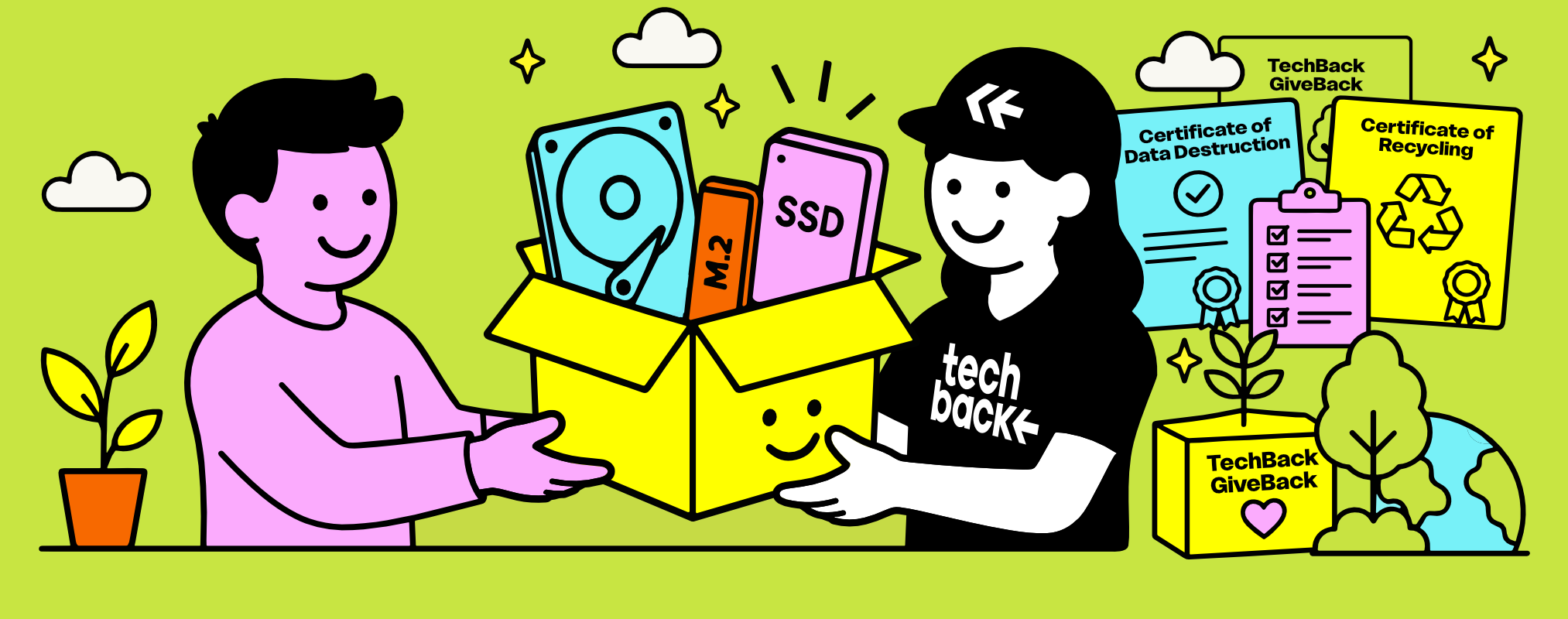
Disposing of business hard drives shouldn't involve guesswork.
Whether you're retiring a single external drive, clearing out decades of archived storage, or decommissioning hundreds of server drives, the process should be secure, documented and straightforward.
TechBack helps organizations throughout Syracuse, Onondaga County, Central New York, and the Finger Lakes Region retire hard drives through FREE Business Pick-Up, FREE Secure Data Destruction, documented Chain of Custody, FREE Certificates of Data Destruction, responsible Accessible Electronics Recycling, and complete IT Asset Disposition services designed to protect both your organization's information and the environment.
Because disposing of a hard drive isn't really about disposing of hardware.
It's about knowing the information inside has reached the end of its journey safely.