Office Relocation Checklist: How to Securely Retire Your Old Business Technology
Moving offices is exciting. New space. Fresh start. Not to mention a little less mystery wiring under everyone's desks.
But after helping organizations throughout Central New York relocate everything from small offices to multi-location facilities, we've learned something:
Office moves have a way of uncovering years of forgotten technology and old office equipment.
Closets full of retired laptops. Shelves of old desktop computers. Servers no one has touched in years.
Boxes of hard drives waiting for someone to decide what to do with them.
An office relocation is one of the best opportunities to finally clear out old computers and office electronics, but it's also one of the easiest times for equipment and the sensitive data it contains to be overlooked or mishandled.
We've helped organizations throughout Central New York navigate office moves, downsizing projects, emergency clean-outs, and decades of accumulated technology. You can read a few of their stories on our Business Client Stories page.
Here are a few things we recommend before moving day, including how to decide what technology should make the move and what you can finally get rid of.
🔲 Take inventory BEFORE moving day.

One of the biggest surprises during an office move is discovering just how much space retired technology has quietly taken over.
Businesses often spend years stacking old business computers and office equipment in storage rooms, closets, under desks, or in unused offices because no one wants to be responsible for what data might still be on them.
Taking inventory before the move helps you separate equipment that still serves a purpose from equipment that's simply been taking up valuable space.
Many organizations are surprised by how much they no longer need to move at all, which can have a significant impact on final moving costs. Years of old computers, monitors, servers, and other office electronics can easily add up to more than 2,000 lbs.
🔲 Separate active equipment from retired equipment.
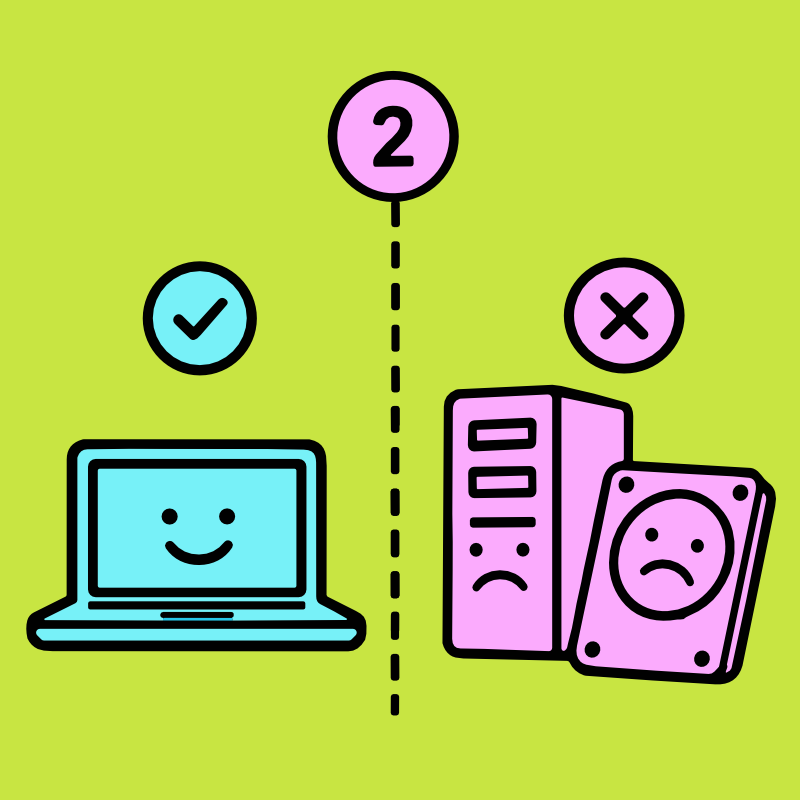
Every office move is a chance to rethink how your technology supports your team.
New layouts often mean new workstations. Departments merge. Equipment gets upgraded.
Some devices move into production while others quietly reach the end of their useful life.
Separating the IT equipment you're moving from the old computers and office electronics you're getting rid of makes the transition smoother, reduces unnecessary moving costs, and helps ensure outdated devices don't simply end up taking over another storage room in your new office.
Once you’re done you’ll have separated the technology you're definitely moving from the equipment you won’t have to into a clear category.
If those old computers and electronics are ready to leave for good, our FREE Business Pick-Up service can help you get them out of the office and into a secure recycling process.
🔲 Don't forget about the data.
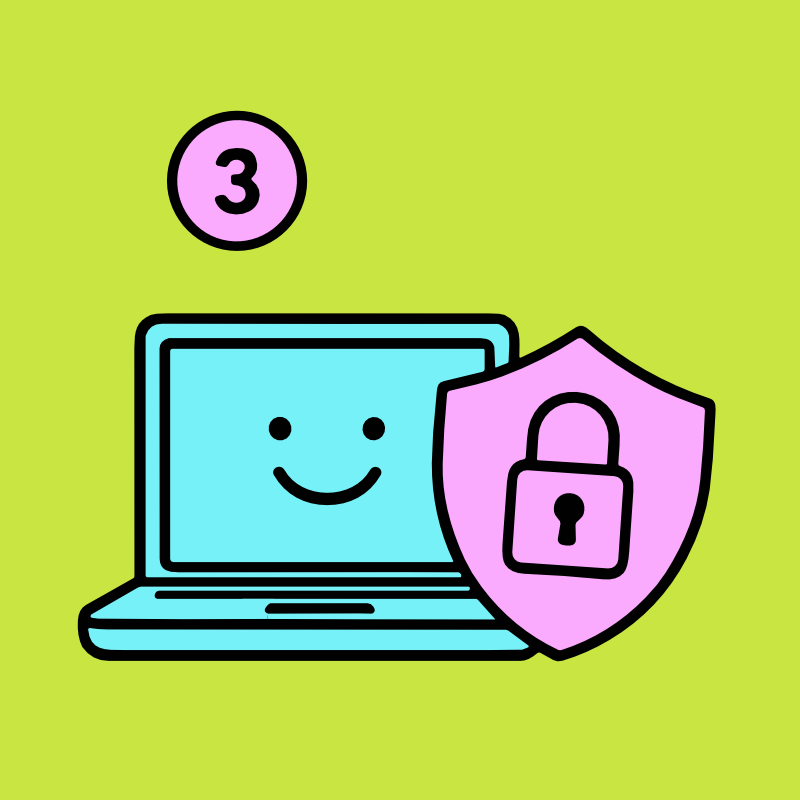
As data destruction specialists, we've learned something that surprises a lot of businesses:
Sensitive information is often at greater risk after equipment is retired than when it was actively being used.
Why?
Because once a computer is unplugged, people naturally stop thinking about it. Soon enough, it's treated like an inanimate object and left in an unsecured closet or cabinet, even though the hard drive may still contain sensitive data.
Meanwhile, that old laptop or forgotten server may still contain years of employee records, customer information, financial documents, passwords, emails, healthcare records, or proprietary business data.
That's why every qualifying TechBack project includes FREE Secure Data Destruction to remove data from old computers and hard drives before the equipment enters the recycling process, all performed inside our monitored ITAD facility.
Whether you're getting rid of one old computer or clearing an entire server room, protecting the sensitive information stored on those devices should be part of your moving plan, not an afterthought.
🔲 Schedule your pickup around your move.

Every office move is different. Some businesses prefer to get rid of old computers and office equipment before the movers arrive, making the move itself faster and less expensive.
Others choose to wait until the new office is set up so they can identify anything that no longer has a place.
We're happy to work with either approach.
Our team can coordinate pickup around your schedule so removing and securely recycling old business technology becomes one less thing your team has to manage during an already busy transition.
The first step is simply completing our Business Pickup Request Form for a one-on-one free consultation for best next steps.
🔲 Make sure documentation is included.
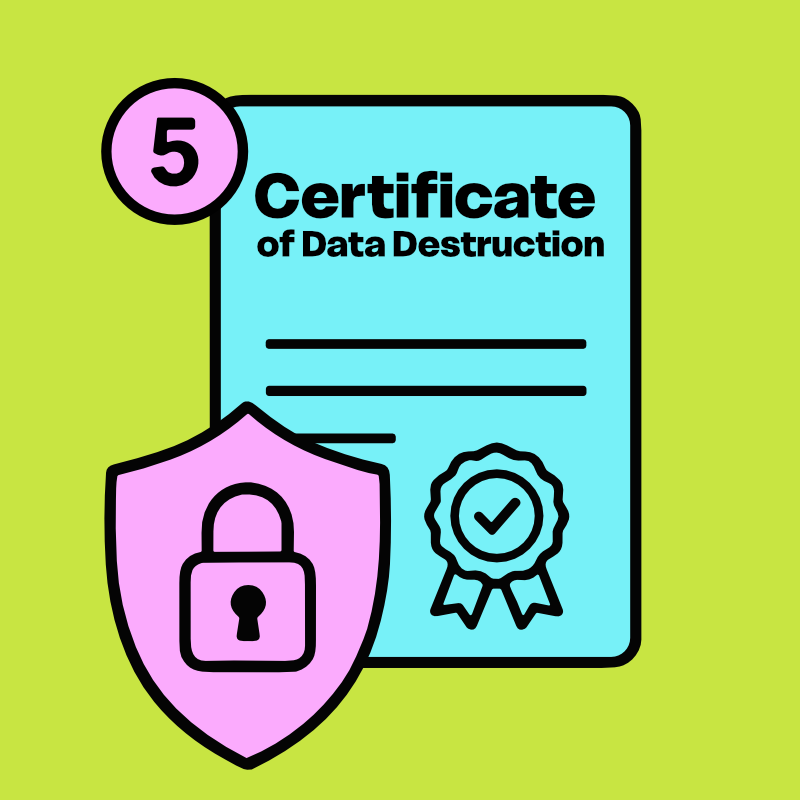
Retiring business technology shouldn't create paperwork headaches, it should solve them.
Every qualifying TechBack business project includes documentation designed to clearly show how your equipment was handled from beginning to end.
That includes:
• FREE Certificate of Data Destruction
• FREE Certificate of Recycling
• Documented Chain of Custody (Here’s a handy guide if you’re not sure what that means >)
• Secure arrival confirmation
• TechBack GiveBack environmental impact reporting
For organizations with more advanced compliance requirements, additional audit-grade reporting is also available.
Good documentation doesn't just prove what happened.
It gives your organization confidence long after the move is complete.
🔲 Think beyond recycling.

An office move is more than a chance to clear out and recycle old computers and office electronics.
It's an opportunity to establish a better process for the future.
Many organizations use a relocation to implement a formal IT Asset Disposition strategy so every future equipment refresh, employee onboarding, office renovation, or technology upgrade follows the same secure process.
It's also a great opportunity to share your organization's environmental impact.
Through our TechBack GiveBack, every qualifying project includes a report showing how many trees your retired electronics helped plant, making it easy to share your sustainability efforts with employees, leadership, or ESG initiatives.
Combined with our Zero Landfill Promise, it's one more way retiring technology can have a positive impact long after your move is finished.
Partnering with TechBack means you don't have to figure it all out on your own.
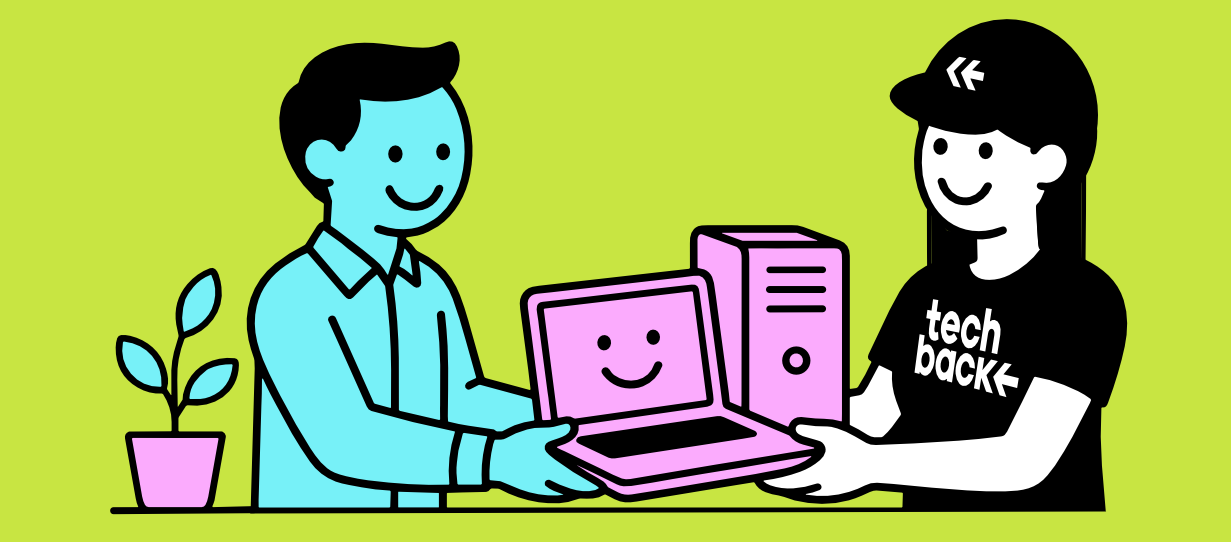
From FREE Business Pick-Up and FREE Secure Data Destruction to complete documentation and responsible Zero-Landfill electronics recycling, our team works with you to build a plan for the old computers, office electronics, and other technology that doesn't need to make the move.
Whether you're relocating a small office, renovating a workspace, or coordinating a company-wide move, TechBack helps businesses throughout Syracuse, Onondaga County, Central New York, and the Finger Lakes Region securely remove, recycle, and protect the data on old business technology without adding another project to your plate.
Let us help make one of the most overlooked parts of an office transition surprisingly simple.