SSD vs. HDD Data Destruction: Why Different Drives Require Different Strategies
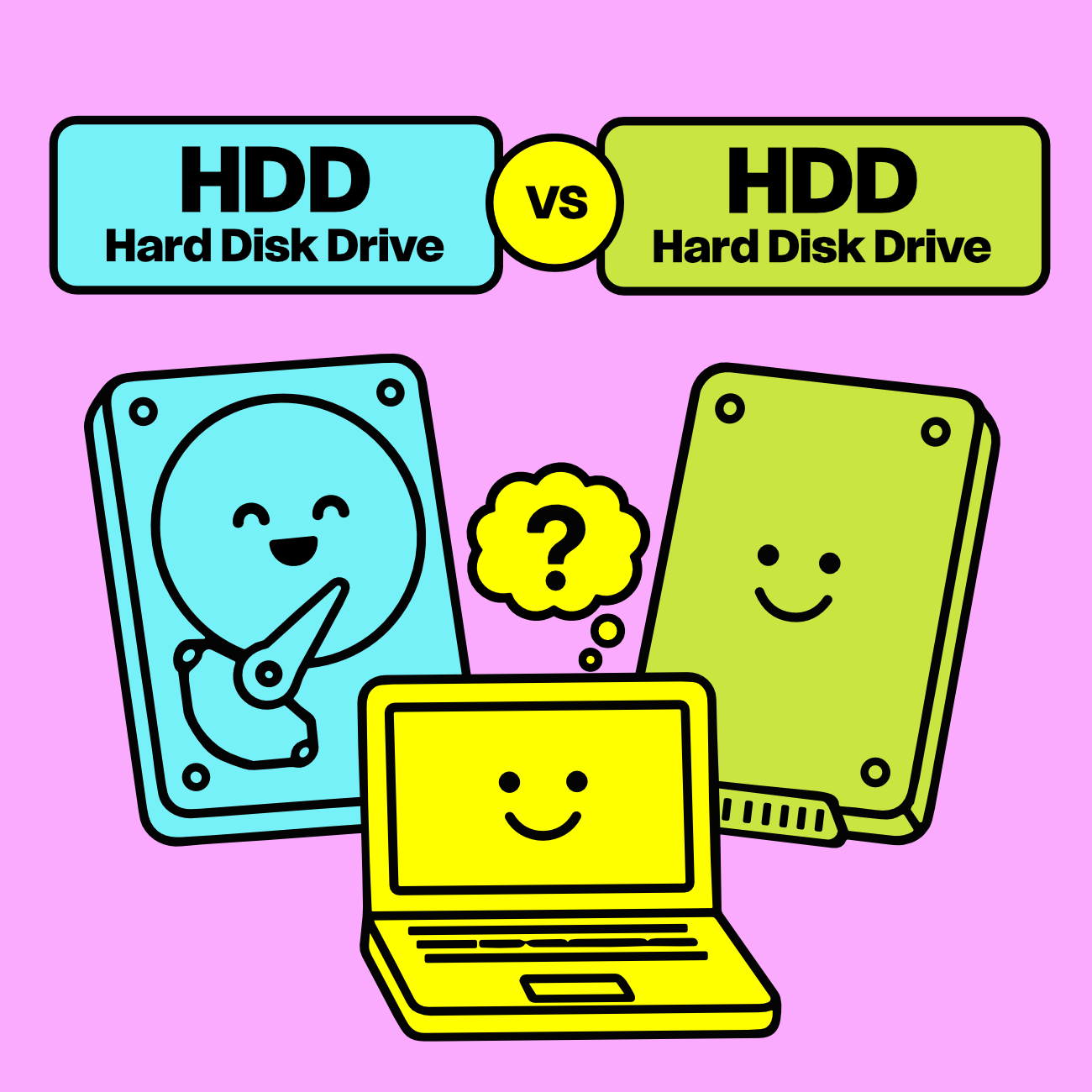
When businesses retire old computers, servers, or storage devices, one question comes up surprisingly often:
"Is there a difference between securely destroying a traditional hard drive and an SSD?"
The answer is yes.
Although HDDs and SSDs both store digital information, they store that data in completely different ways. Traditional hard drives use magnetic platters, while solid-state drives use flash memory. Those differences matter because the most appropriate method for securely destroying the data can be different for each type of drive.
At TechBack, every storage device is individually evaluated by trained IT asset disposition (ITAD) professionals before the appropriate sanitization method is selected. Depending on the type of drive, its condition, your organization's security requirements, and applicable regulations, that may involve secure NIST SP 800-88 data sanitization, physical destruction, or another approved process.
The goal is never simply to destroy hardware.
The goal is to permanently destroy your data while making the most secure, responsible, and environmentally conscious decision possible.
Traditional Hard Drives (HDDs): How They Store Information

For decades, traditional hard disk drives (HDDs) have been the standard method of storing information inside desktop computers, servers, laptops, and network equipment.
Inside an HDD are rapidly spinning magnetic platters. Tiny read/write heads float just above the surface, recording and retrieving information magnetically as the disks rotate thousands of times per minute.
It's remarkable technology (and incredibly reliable), but because HDDs store data magnetically, they behave very differently from solid-state drives when it comes time to securely sanitize or destroy the information they contain.
From an IT asset disposition perspective, traditional hard drives require careful evaluation before determining the appropriate data destruction method. The right solution depends on the condition of the drive, your organization's security policies, regulatory requirements, and whether secure sanitization can be successfully verified.
Learn more about how professional standards guide this process in What Is NIST SP 800-88?.
Solid-State Drives (SSDs): A Completely Different Technology

Solid-state drives (SSDs) have become increasingly common in modern laptops, desktops, and servers because they're dramatically faster than traditional hard drives.
Unlike HDDs whirling around to physically capturing data, SSDs have no moving parts.
Instead, information is stored electronically within NAND flash memory chips managed by sophisticated onboard controllers. These controllers constantly reorganize data behind the scenes to maximize performance and extend the life of the drive through processes like wear leveling and overprovisioning.
Those technologies make SSDs incredibly fast, BUT the way flash memory stores and manages data can also make secure SSD data sanitization more technically complex than many people realize.
This is one of the reasons professional IT asset disposition providers evaluate every storage device individually rather than applying the exact same process to every drive.
Why Professional ITAD Doesn't Use a One-Size-Fits-All Approach

One of the biggest misconceptions about data destruction is that every drive should be handled exactly the same way. In reality, experienced ITAD providers evaluate each storage device based on several factors before selecting the appropriate sanitization method. Those factors include:
The type of storage technology
The physical condition of the drive
Manufacturer capabilities
Your organization's internal security policies
Regulatory or contractual requirements
Whether secure sanitization can be successfully verified
That's why HDD and SSD data destruction shouldn't automatically follow the same process. The storage technology itself, along with the condition of the drive, security requirements, and ability to verify sanitization, helps determine the appropriate strategy for each device.
No two retirement projects are exactly alike. That's why businesses trust experienced IT asset disposition professionals instead of trying to apply a single solution to every situation.
Learn more about the complete retirement process in What Happens to Computer After They’re Picked Up for Secure Itad>
Verification Matters More Than the Method
When businesses ask about secure data destruction, the conversation often starts with "Do you wipe drives or shred them?"
While that's an understandable question, professionals often start with:
"Can the data destruction be successfully verified?"
Industry standards like NIST SP 800-88 focus on achieving verifiable data sanitization rather than simply choosing one method over another.
Ultimately, whether the data is stored magnetically on an HDD or electronically in the flash memory of an SSD, what matters most is that confidential information is permanently rendered inaccessible and the process is documented through a secure Chain of Custody and a Certificate of Data Destruction.
Sometimes Physical Destruction Is the Right Choice
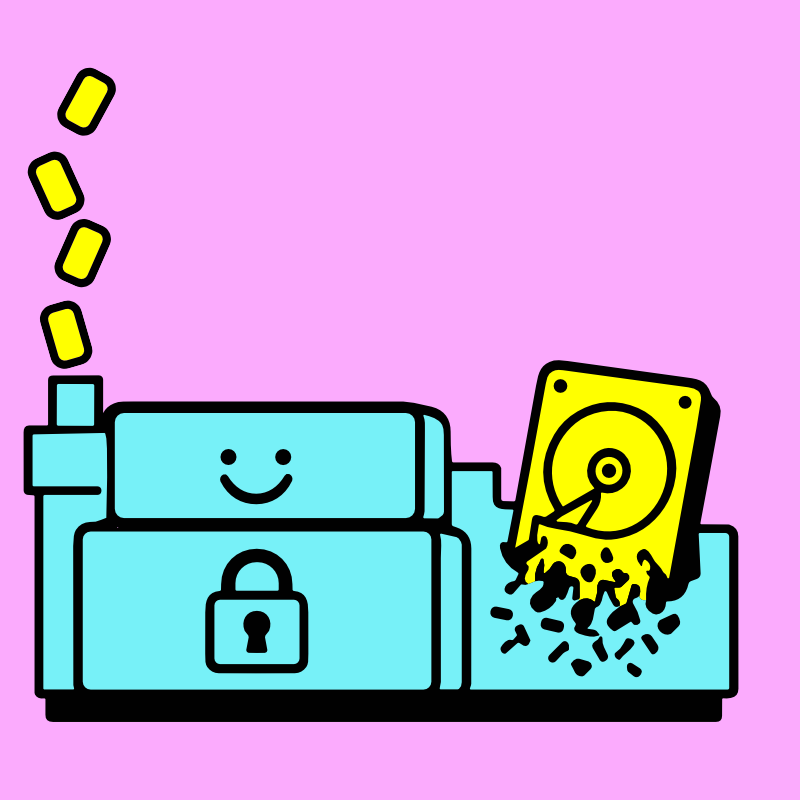
Physical destruction continues to play an important role in professional data destruction programs.
At TechBack, every decision is made on a case-by-case basis by trained technicians following industry best practices, not by applying the same solution to every drive that comes through the door.
In some situations, organizational policies require physical destruction. More commonly, an HDD or SSD has failed, or secure data sanitization cannot be successfully completed or verified.
When those situations occur, industrial shredding provides an irreversible final step that permanently destroys the storage media. Our dual-chamber Industrial Hard Drive Shredder gets the job done right, reducing HDDs and SDDs down to the NIST SP 800-88 particle size required.
You can learn more about how these decisions are made during our Free Data Destruction process in Hard Drive Wiping vs. Physical Destruction: Which Is Right for Your Business>
Security and sustainability don't have to compete with one another.

When an HDD or SSD can be securely sanitized, successfully verified, and safely prepared for continued use, its useful life is extended.
That means fewer new raw materials need to be mined, fewer replacement drives need to be manufactured, and fewer electronic components enter the recycling stream.
Widely recognized as one of the highest forms of responsible electronics management, extending the life of technology can significantly reduce environmental impact.
When reuse isn't appropriate, materials are responsibly processed through our certified downstream partners as part of our Zero Landfill Promise.
And that has a huge impact on our community and planet. Learn why that makes a difference in Why Recycling Matters>
Let the Experts Make the Right Call
Most businesses don't want to become experts in magnetic storage, flash memory architecture, controller firmware, or secure verification standards.
They simply want confidence that their information has been permanently destroyed and documented properly.
That's exactly what professional IT asset disposition is designed to provide.
From free secure business pickup and documented Chain of Custody] to industry-recognized data destruction, free Certificates of Data Destruction, and responsible Business Electronics Recycling, TechBack helps organizations throughout Syracuse, Onondaga County, and Central New York retire business technology securely, responsibly, and with complete peace of mind.
Because when it comes to protecting sensitive information, the most important question isn't whether a drive is an HDD or an SSD.
It's whether the people handling it know exactly what they're doing.