Server Decommissioning Guide: How to Retire Business Servers Securely
Whether you're replacing a single file server, migrating to the cloud, upgrading virtualization infrastructure, or retiring an entire server room, the server decommissioning process involves much more than simply unplugging old equipment and sending it out for recycling.
In fact, deciding what to do with old business servers involves two different things: properly decommissioning them then securely handling their eventual disposal.
A proper server decommissioning process protects sensitive information, documents every step, prevents unnecessary security risks, and ensures valuable equipment is retired responsibly.
At TechBack, we've helped organizations throughout Syracuse, Onondaga County, Central New York, and the Finger Lakes Region retire everything from standalone file servers to racks of aging infrastructure. Whether it's part of an office relocation, technology refresh, or data center cleanup, our goal is always the same: make retiring business technology simple, secure, and stress-free through FREE Business Pick-Up, FREE Secure Data Destruction, documented IT Asset Disposition, and responsible Accessible Electronics Recycling.
Here's what every business should think about before retiring a server.
🔲 Start with a server decommissioning plan.

Most businesses spend weeks or months planning new infrastructure. Then much less time is spent planning what happens to the old one.
Before disconnecting anything, take time to identify exactly what the server is still doing.
Many servers quietly continue supporting:
Active Directory
Virtual machines
File shares
Database applications
Backup software
Print services
Network authentication
Internal business applications
Even equipment that appears "unused" may still be supporting an important business process behind the scenes.
A thoughtful server decommissioning checklist helps ensure nothing critical is overlooked before retirement begins.
🔲 Inventory more than just the server.
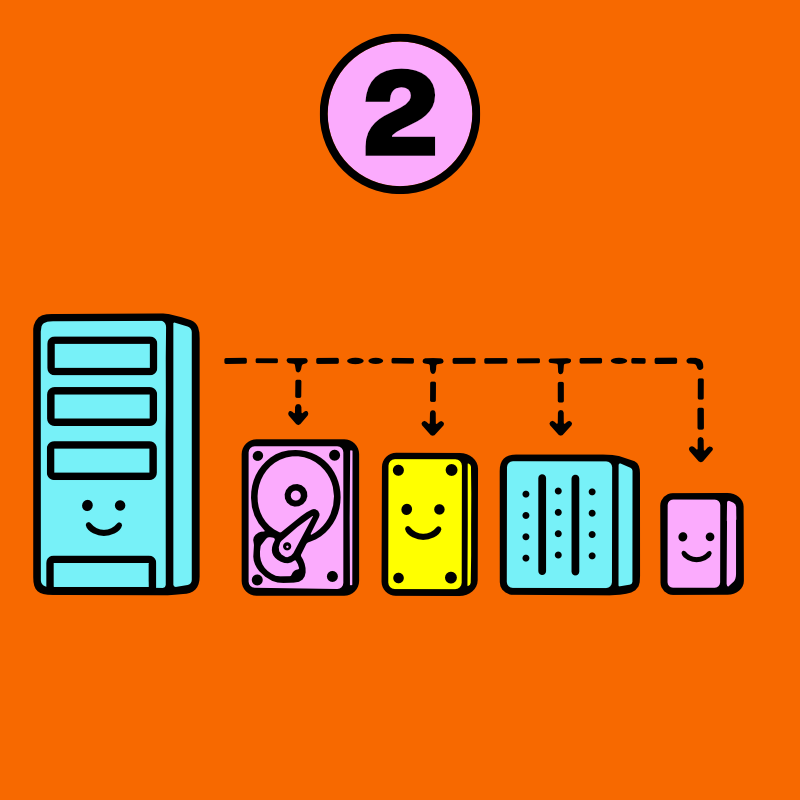
Unlike a desktop computer, an old business server may contain multiple hard drives, SSDs, and other storage devices working together.
A single server may include:
RAID arrays
Multiple HDDs and SSDs
Hot spare drives
Backup media
Expansion storage
Removable drives
From a security standpoint, every storage device matters.
Professional IT Asset Disposition doesn't simply track servers, it tracks the individual storage media inside them so every device is properly accounted for throughout the retirement process.
🔲 Your biggest security risk may be after the server is turned off.
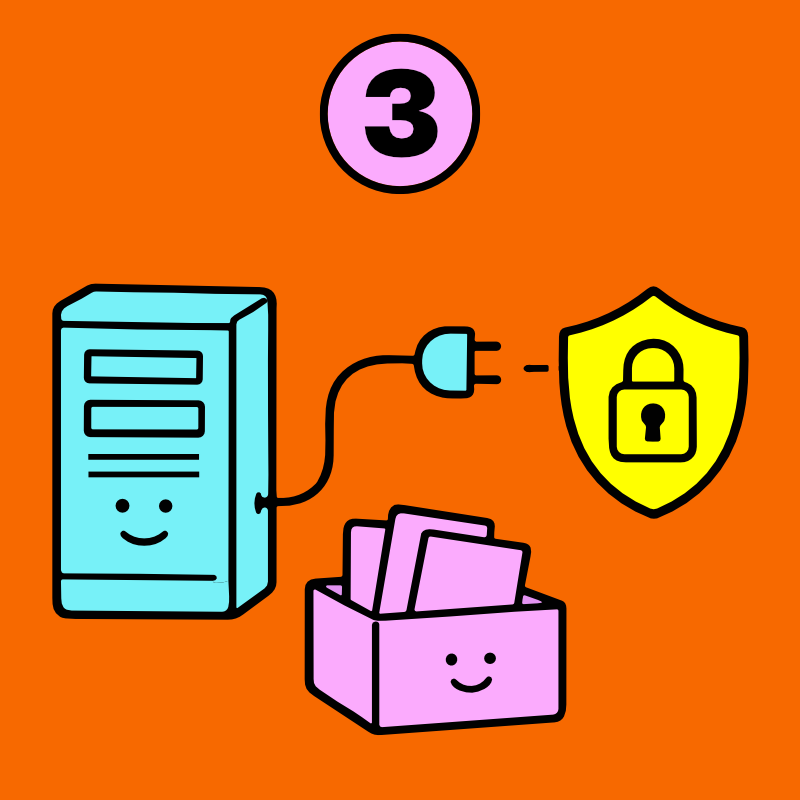
One of the biggest misconceptions about disposing of old servers is that once they're disconnected from the network, the security risk disappears.
In reality, we've found the opposite is often more true.
Production servers frequently contain years of customer records, employee information, financial data, proprietary business information, authentication credentials, virtual machine images, backups, and application data.
Once they're removed from service, it's surprisingly easy for them to sit in a storage room for months (*cough* years) waiting for someone to decide what to do with them.
That's why every qualifying TechBack project includes FREE Secure Data Destruction for servers and their storage drives, performed entirely inside our monitored, high-security Syracuse ITAD facility before equipment enters the recycling proces
Because data is often most vulnerable after it's out of sight. Forgotten yes… but not gone.
🔲 Every storage device deserves its own evaluation.
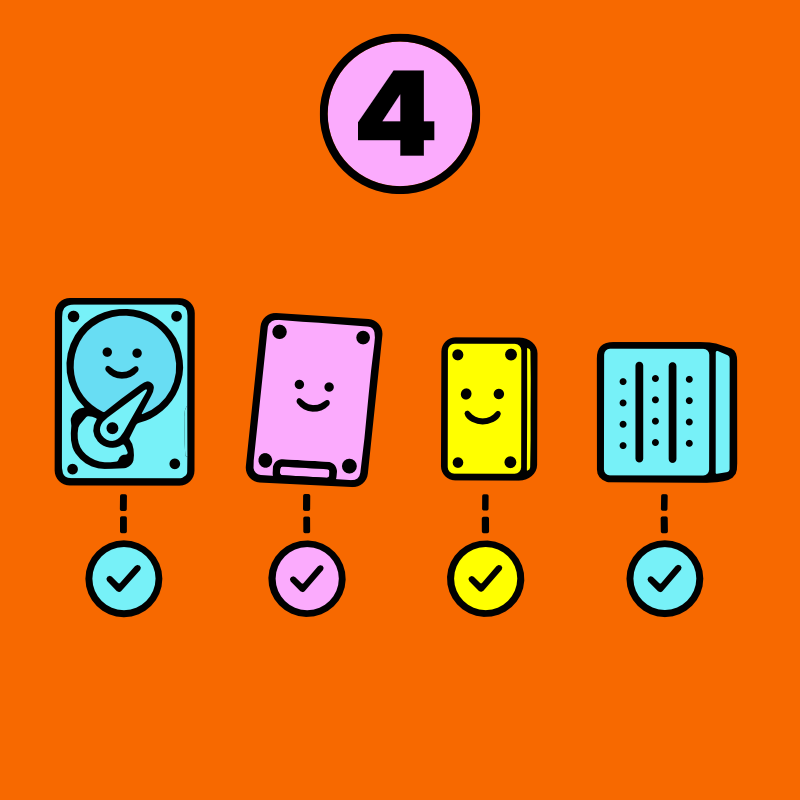
Professional IT asset disposition isn't about applying the same solution to every storage device.
It's about evaluating each one individually: Drive technology. Physical condition. Manufacturer capabilities. Organizational policies. Regulatory requirements. Verification results.
All of these come together to determine the appropriate data destruction or sanitization method for each drive.
That's why trained ITAD professionals evaluate every storage device independently before determining whether secure sanitization, physical destruction, or another approved process is appropriate.
Learn more in SSD vs. HDD Data Destruction> and Hard Drive Wiping vs. Physical Destruction >
🔲 Documentation matters just as much as destruction.
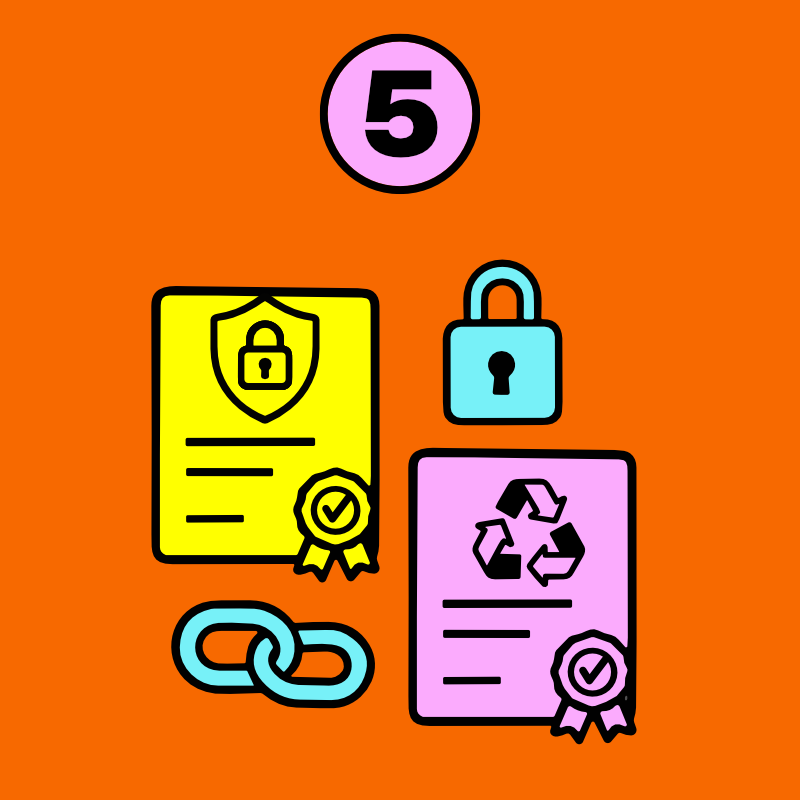
Securely destroying sensitive information is only one part of a complete server decommissioning process.
Being able to demonstrate exactly how it was handled is equally important.
Every qualifying TechBack business project includes:
Documented Chain of Custody
Secure arrival confirmation
Organizations with more advanced compliance requirements can also add premium audit-grade reporting, including asset tag mapping, device-to-drive relationships, serialized reporting, and other customized documentation for internal audits or regulatory requirements.
Good documentation creates confidence long after the server has been retired.
🔲 Responsible server retirement goes beyond data destruction.
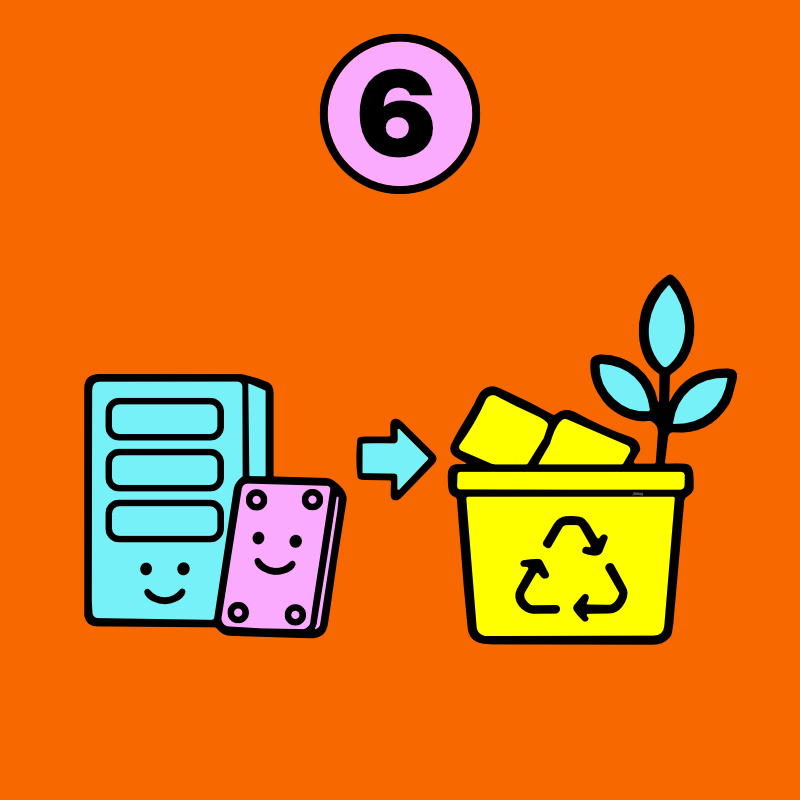
Once sensitive information has been securely destroyed, old server equipment can move into reuse, component recovery, or responsible server recycling.
Whenever appropriate, components that can continue serving a purpose are responsibly recovered and prepared for reuse. Extending the useful life of technology is one of the most effective forms of electronics recycling because it reduces demand for new manufacturing while keeping valuable equipment in service.
When reuse isn't appropriate, materials are responsibly processed through carefully vetted downstream partners as part of our Zero Landfill Promise.
Learn more about why that's important on our Why Recycle page.
Your next server upgrade shouldn't create your next security problem.
Whether you're migrating to Microsoft 365, Azure, AWS, replacing aging virtualization hosts, consolidating infrastructure, or finally deciding what to do with an old server that's been quietly running in the corner for the last decade, having a trusted IT asset disposition partner makes the decommissioning process dramatically easier.
TechBack helps organizations throughout Syracuse, Onondaga County, Central New York, and the Finger Lakes Region securely retire business servers through FREE Business Pick-Up, FREE Secure Data Destruction, complete documentation, and responsible Accessible Electronics Recycling. Every project is tailored to your organization's timeline, security requirements, and operational needs, so your team can stay focused on building what's next instead of worrying about what you're leaving behind.
From a single server to an entire rack, we'll help you handle server decommissioning, secure server data destruction, and responsible server disposal with complete confidence.